Empowering front-line Clinicians to Assess CAD with Confidence
CardioClin™ is built for today’s healthcare professionals, enabling fast, validated, and effortless CAD assessment.
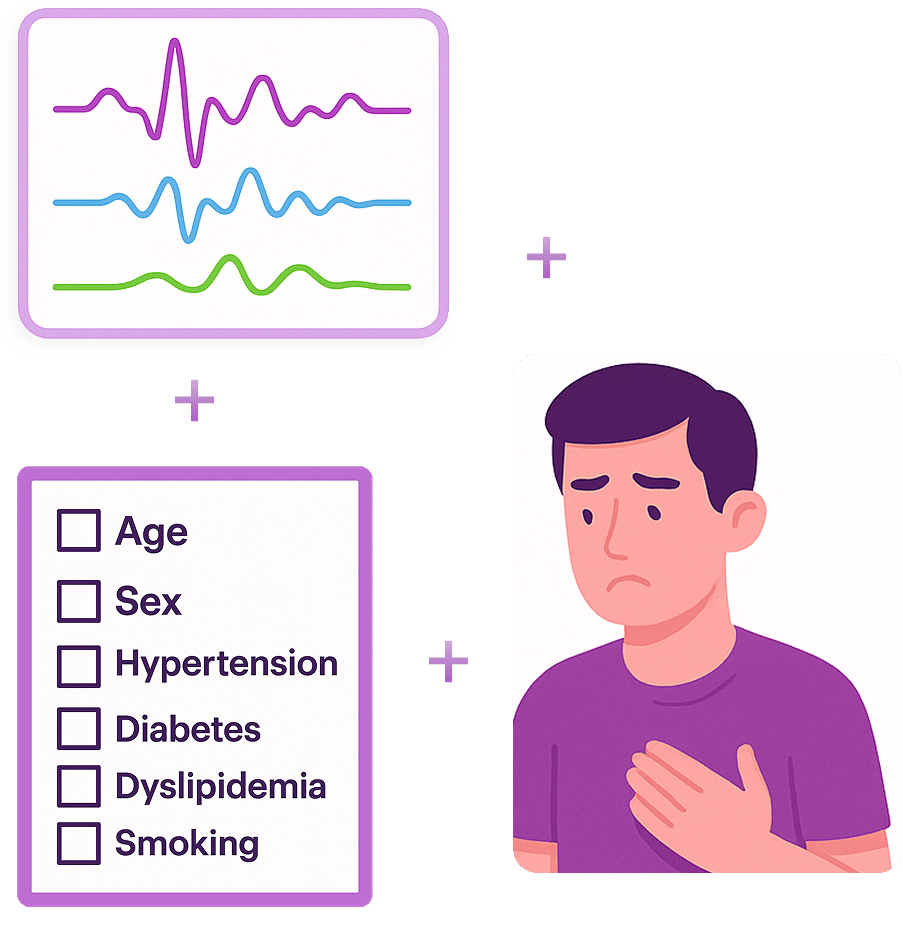
The CardioClin™ captures the seismocardiogram, which is used to compute the EMCR Score™. The EMCR Score™ quantifies the likelihood of presence of coronary artery disease: defined as an occlusion of more than 50 percent in at least one coronary artery.
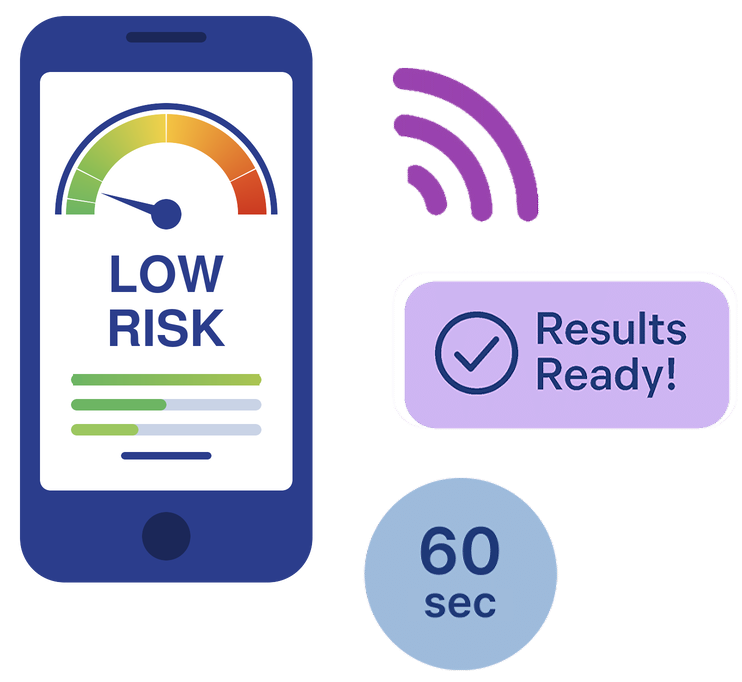
Patient probability for CAD is then stratified into five distinct risk categories, each paired with actionable, tailored clinical recommendations for immediate next steps.
How CardioClin™ Works: Quick Setup, Immediate Insights
CardioClin™ delivers fast, accurate, and non-invasive coronary artery disease (CAD) assessments, that seamlessly integrates into your clinical workflow. With just a few easy steps, any trained healthcare professional can deliver reliable evaluations for patients aged 18 and above, making advanced screening accessible and deployable even in low-resource environments.
Step-by-Step CardioClin™ Testing Procedure
Before initiating the test, the healthcare professional should first assess the patient’s symptoms, physical condition, and likelihood of acute coronary syndrome (ACS). If ACS is suspected, immediate referral to emergency care is required. If not, proceed with evaluating the risk of chronic coronary artery disease (CAD) using the CardioClin™ test:
1
Enter Patient Profile
Open the HeartForce™ application on a connected tablet or mobile device
Indicate angina type: typical, atypical, or nonspecific
Complete the symptom-related questions: characterize chest pain and dyspnoea, and identify the primary presenting symptom
Add core clinical data: age, weight, height, sex, and racial and ethnic category
Select present risk factors and symptoms: family history, smoking, hypertension, diabetes, dyslipidemia, shortness of breath, chest pain and nausea
2
Connect the Sensor
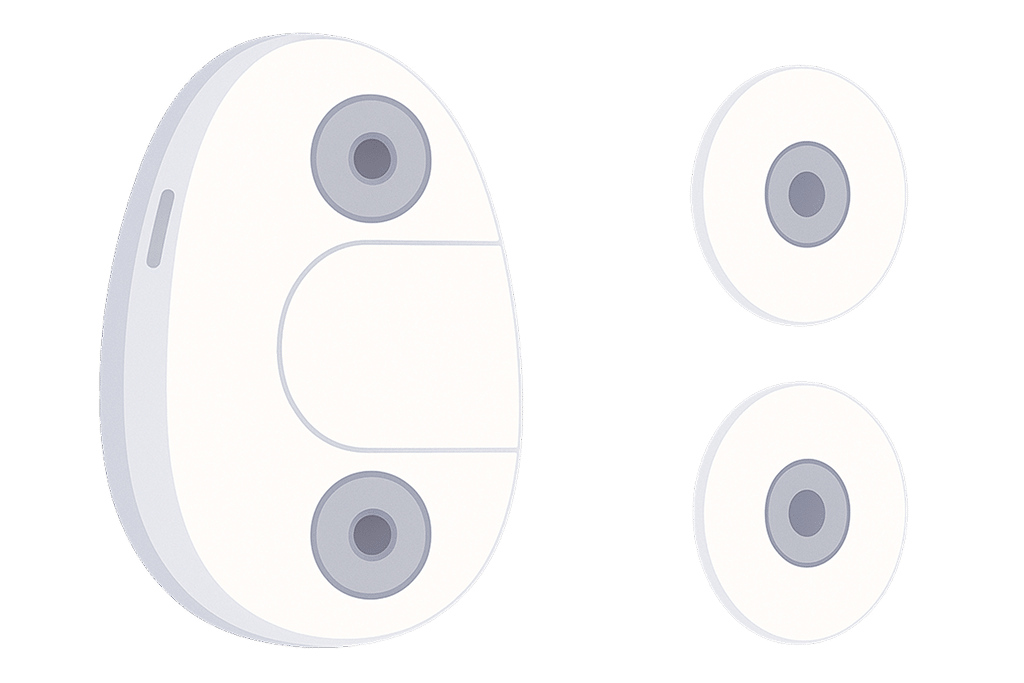
Attach the ECG patches to the sensor
3
Position the Sensor
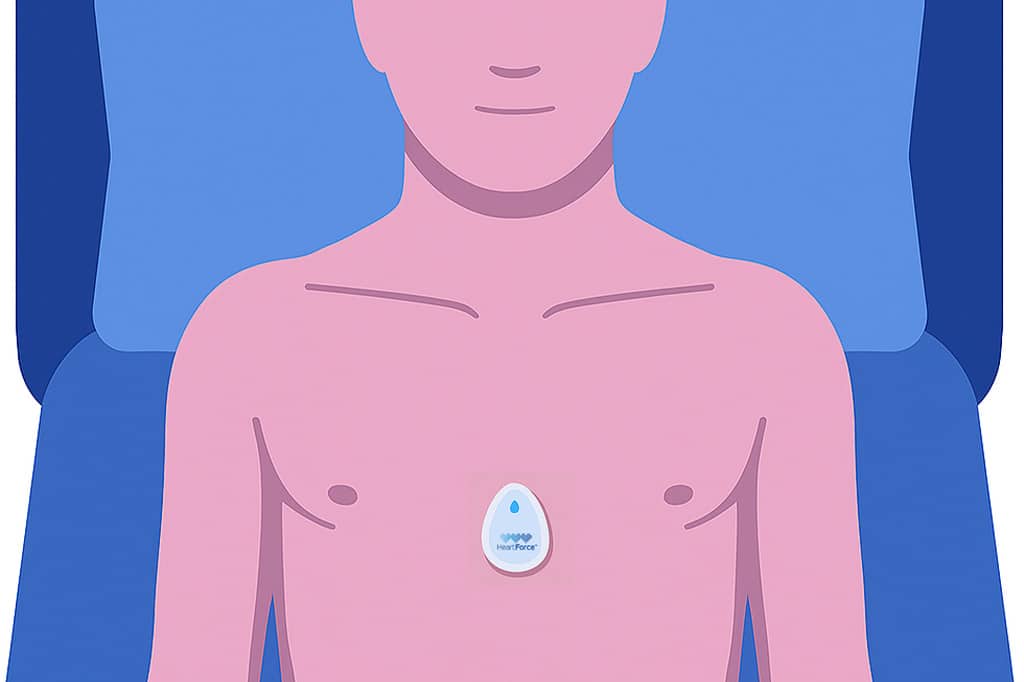
Ensure the patient is lying flat (supine position) and relaxed
Place the CardioClin™ sensor over the sternum
4
Start the Test
Establish the connection between the CardioClin™ device and the application
Start the test to initiate the data acquisition
The CardioClin™ app integrates patient risk factors, symptoms, and SCG data for analysis by our cloud-based AI algorithm
Within 60 seconds, a complete Electro-mechanical CAD Response (EMCR Score™) is generated and the results are available directly in the CardioClin™ application.
You are leaving the US version of the HeartForce website and entering our global website.
Product availability, regulatory status, risk categorisation, and performance claims may differ between regions and may not apply to the United States.
CardioClin™ is not cleared or approved by the U.S. Food and Drug Administration (FDA).
Please return to the US website for information applicable to the United States.